On this page
Diagrams
A mermaid code fence is drawn where you wrote it. The same fence renders on GitHub.
```mermaid
flowchart LR
    Draft --> Review
    Review --> Publish
```
flowchart LR
    Draft --> Review
    Review --> Deploy
For the syntax, see the mermaid documentation.
In the editor
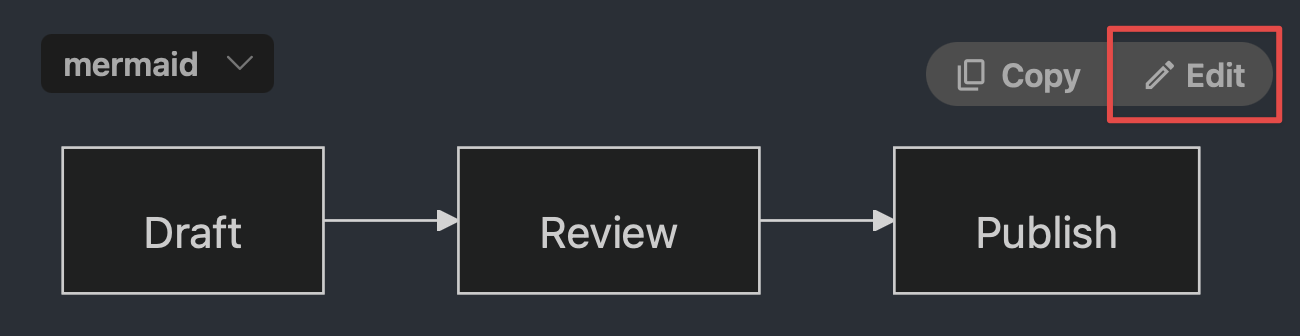
Hover the diagram and click Edit
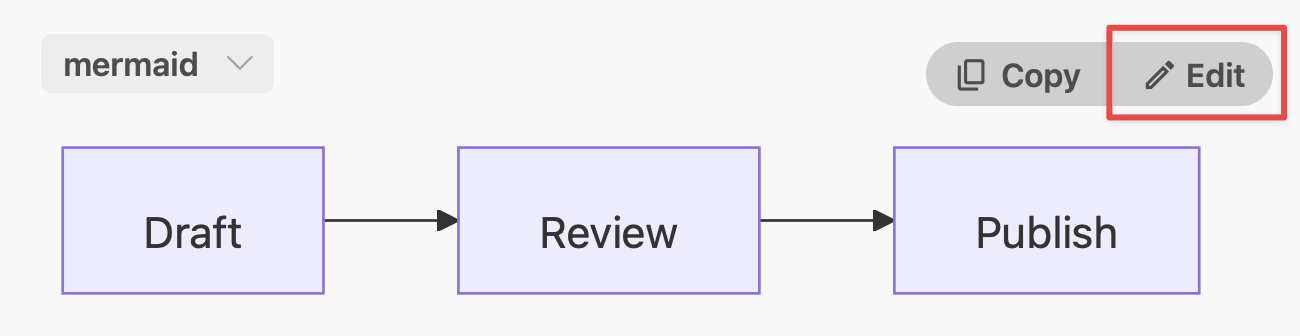
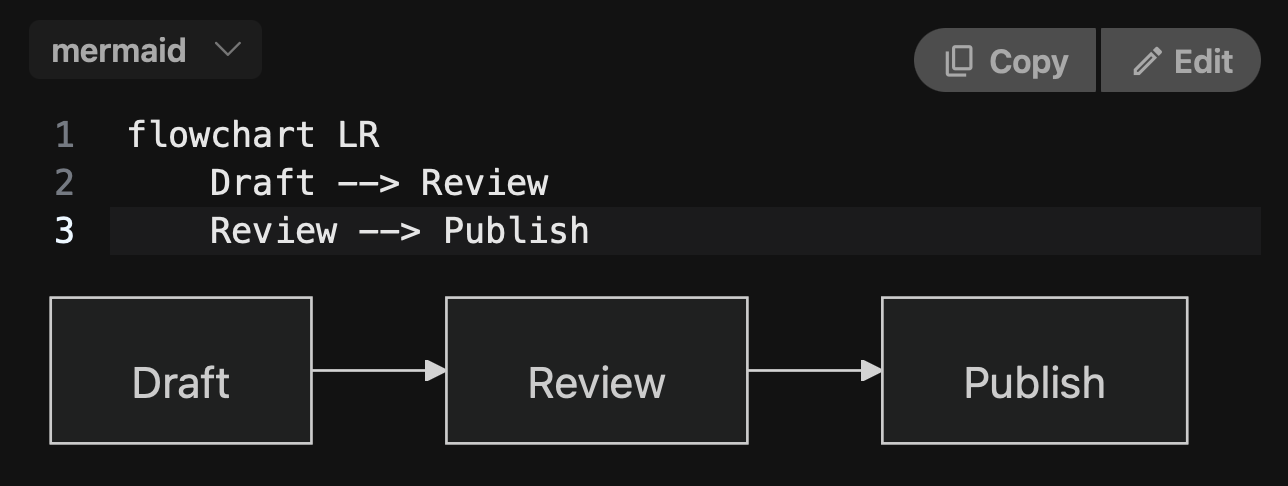
The source opens above the drawing, which follows as you type
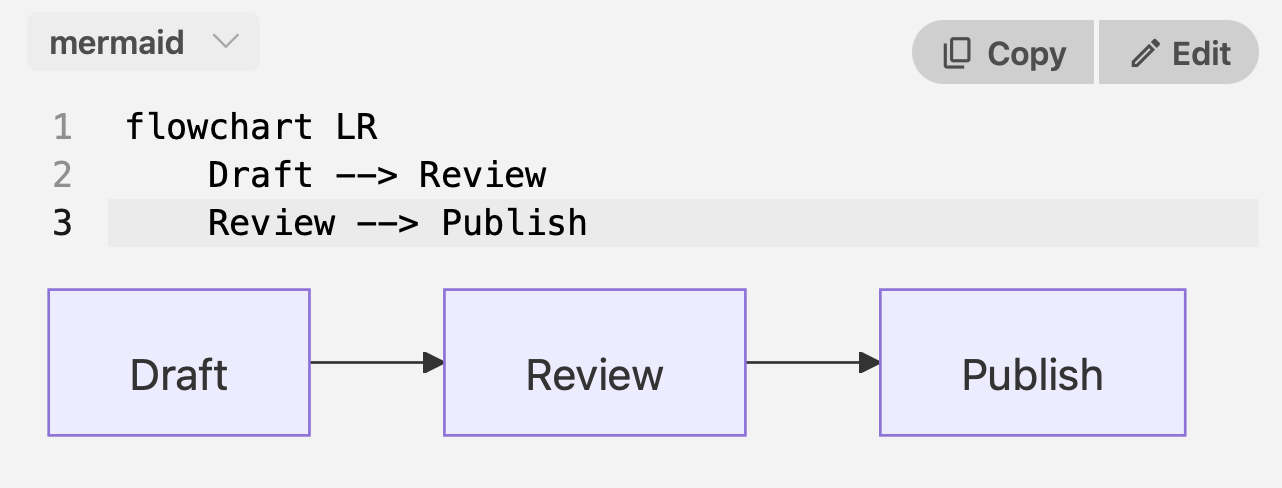
The fence can also be edited in the Source view.
Review
A changed diagram is one card. Accept or reject takes the whole fence.
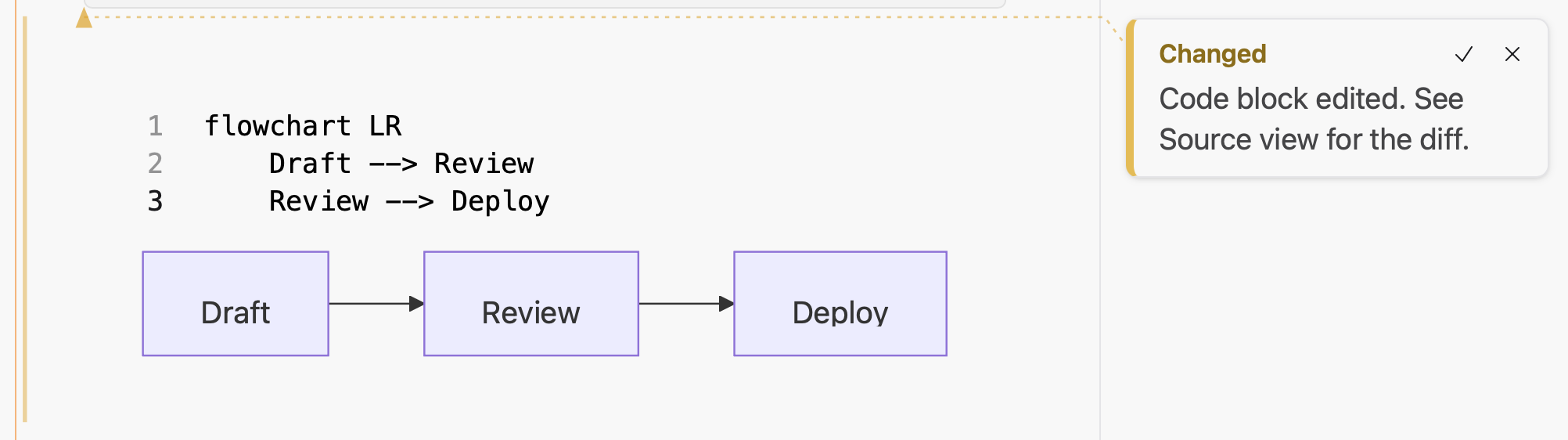
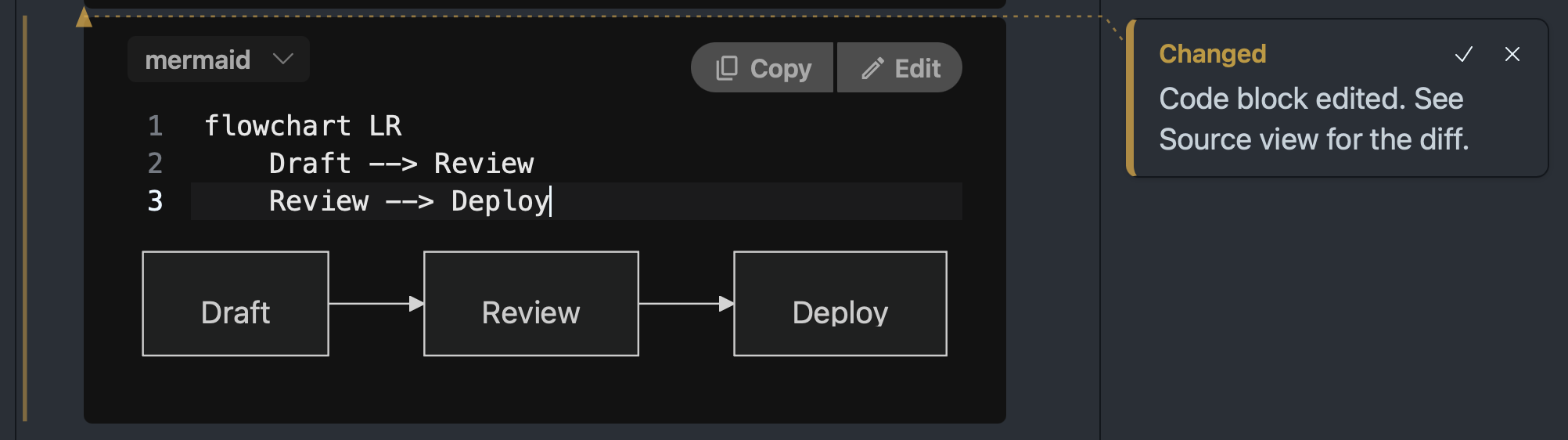
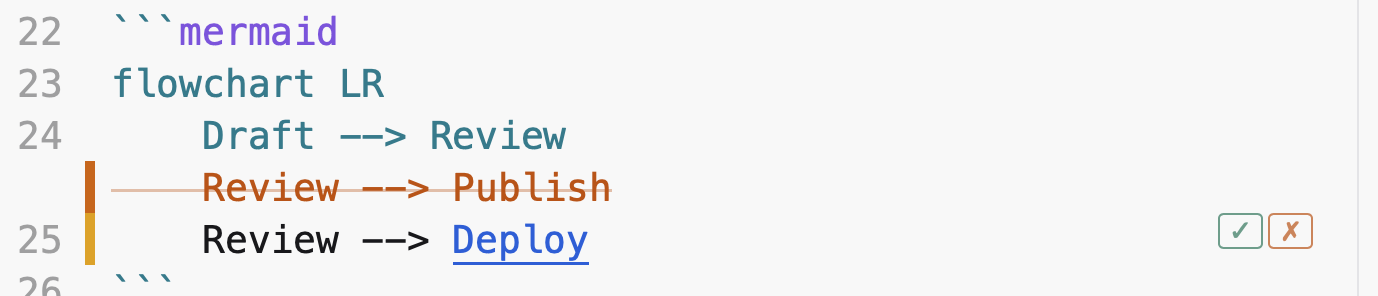
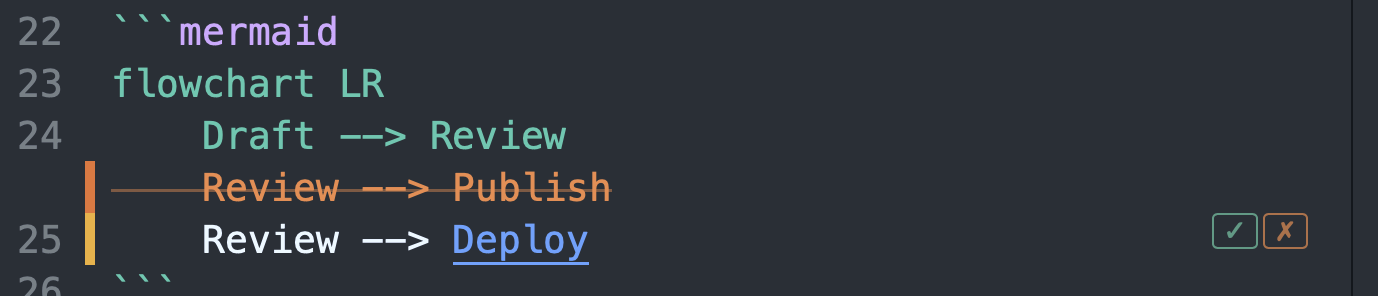
The Source view (Cmd+R) shows the line diff, and takes single lines.
Styling
Styling goes inside the fence, in a config: block, so it travels with the file:
```mermaid
---
config:
  theme: forest
---
flowchart LR
    Draft --> Review
    Review --> Publish
```
---
config:
  theme: forest
---
flowchart LR
    Draft --> Review
    Review --> Publish
themeis one ofdefault,neutral,dark,forest,base. A diagram that names one keeps it in both light and dark.- Anything in mermaid’s configuration reference can go in the block.
- GitHub draws diagrams in its own styling. Do not depend on
themethere.
A diagram that comes out too small
Mermaid shrinks a wide diagram to fit the column; gantt charts are the usual case. Two fixes, both in config::
gantt: {useMaxWidth: false}draws at natural size and scrolls sideways. The same key exists for every diagram type.gantt: {fontSize: 16}keeps the width and enlarges the labels.
Word and PDF
The fence is exported as a code block. It is not drawn.
# Diagrams

A `mermaid` code fence is drawn where you wrote it. The same fence renders on GitHub.

````
```mermaid
flowchart LR
    Draft --> Review
    Review --> Publish
```
````

```mermaid
flowchart LR
    Draft --> Review
    Review --> Deploy
```

For the syntax, see the [mermaid documentation](https://mermaid.js.org/intro/).

## In the editor

### Hover the diagram and click `Edit`

<figure class="docs-shot">
  <img class="docs-shot-light" src="07-diagrams-assets/edit-button-light.png" width="650"
       alt="A flowchart in the formatted view with the pointer over it: a Copy and an Edit button at its top right, Edit outlined in red.">
  <img class="docs-shot-dark" src="07-diagrams-assets/edit-button-dark.png" width="650"
       alt="The same diagram in dark mode.">
</figure>

### The source opens above the drawing, which follows as you type

<figure class="docs-shot">
  <img class="docs-shot-light" src="07-diagrams-assets/editing-light.png" width="641"
       alt="The diagram with its three lines of mermaid source open above it, the caret on the last line.">
  <img class="docs-shot-dark" src="07-diagrams-assets/editing-dark.png" width="644"
       alt="The same in dark mode.">
</figure>

The fence can also be edited in the Source view.

### Review

A changed diagram is one card. Accept or reject takes the whole fence.

<figure class="docs-shot">
  <img class="docs-shot-light" src="07-diagrams-assets/review-card-light.png" width="1002"
       alt="A diagram whose last box now reads Deploy, with a card beside it: Changed. Code block edited. See Source view for the diff. The card has a check and an x.">
  <img class="docs-shot-dark" src="07-diagrams-assets/review-card-dark.png" width="1002"
       alt="The same in dark mode.">
</figure>

The Source view (`Cmd+R`) shows the line diff, and takes single lines.

<figure class="docs-shot">
  <img class="docs-shot-light" src="07-diagrams-assets/review-source-light.png" width="550"
       alt="The fence in the Source view: the line Review to Publish struck through, the line Review to Deploy below it with Deploy underlined, and a check and an x at the end of the line.">
  <img class="docs-shot-dark" src="07-diagrams-assets/review-source-dark.png" width="550"
       alt="The same in dark mode.">
</figure>

## Styling

Styling goes inside the fence, in a `config:` block, so it travels with the file:

````
```mermaid
---
config:
  theme: forest
---
flowchart LR
    Draft --> Review
    Review --> Publish
```
````

```mermaid
---
config:
  theme: forest
---
flowchart LR
    Draft --> Review
    Review --> Publish
```

- `theme` is one of `default`, `neutral`, `dark`, `forest`, `base`. A diagram that names one keeps it in both light and dark.
- Anything in [mermaid's configuration reference](https://mermaid.js.org/config/configuration.html) can go in the block.
- GitHub draws diagrams in its own styling. Do not depend on `theme` there.

## A diagram that comes out too small

Mermaid shrinks a wide diagram to fit the column; gantt charts are the usual case. Two fixes, both in `config:`:

- `gantt: {useMaxWidth: false}` draws at natural size and scrolls sideways. The same key exists for every diagram type.
- `gantt: {fontSize: 16}` keeps the width and enlarges the labels.

## Word and PDF

<!--wymark: {"author":"John Doe","time":"2026-10-07T20:00:10Z"}@@Is this possible to change, like that it exports the png or such?--><!--wymark-reply: {"author":"Claude","time":"2026-10-07T20:33:12Z"}@@Possible, and cut on purpose for the beta. Mermaid draws its labels as small pieces of HTML, which the export tools cannot render, so every diagram would have to be drawn a second time as a plain image. That is feature work, not a setting.-->The fence is exported as a code block. It is not drawn.<!--wymark-end-->