On this page
Drawings
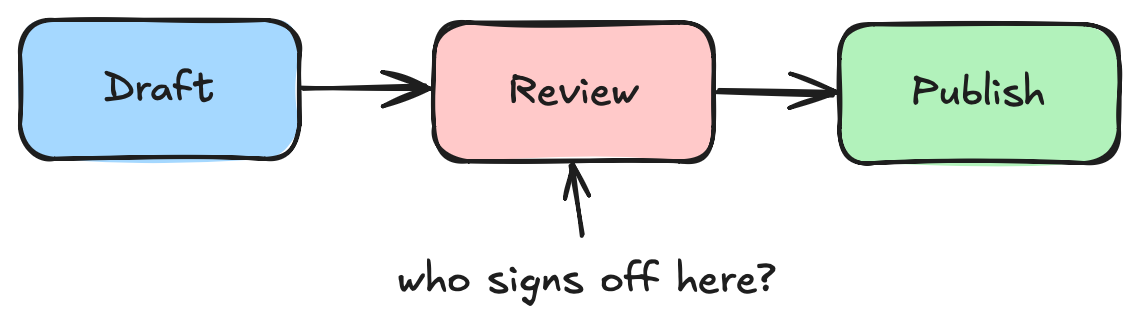
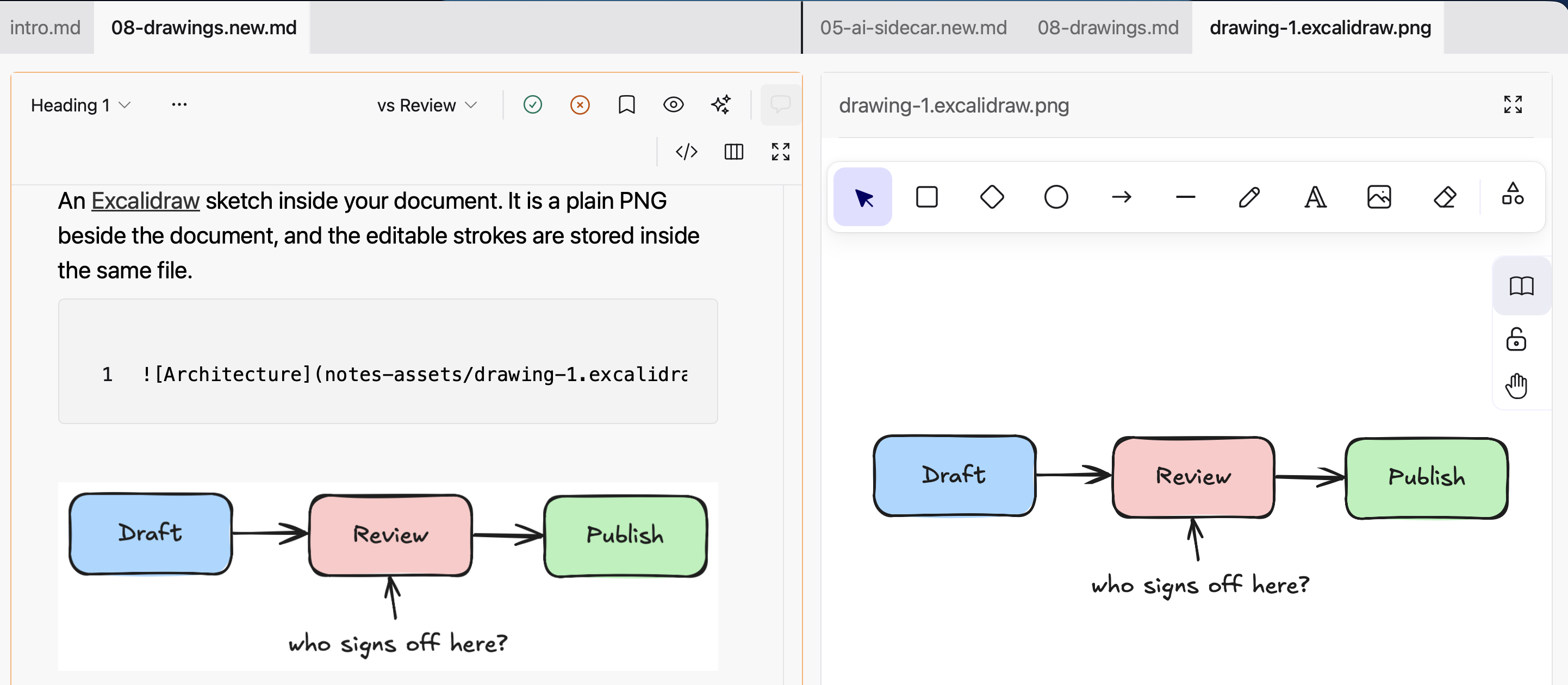
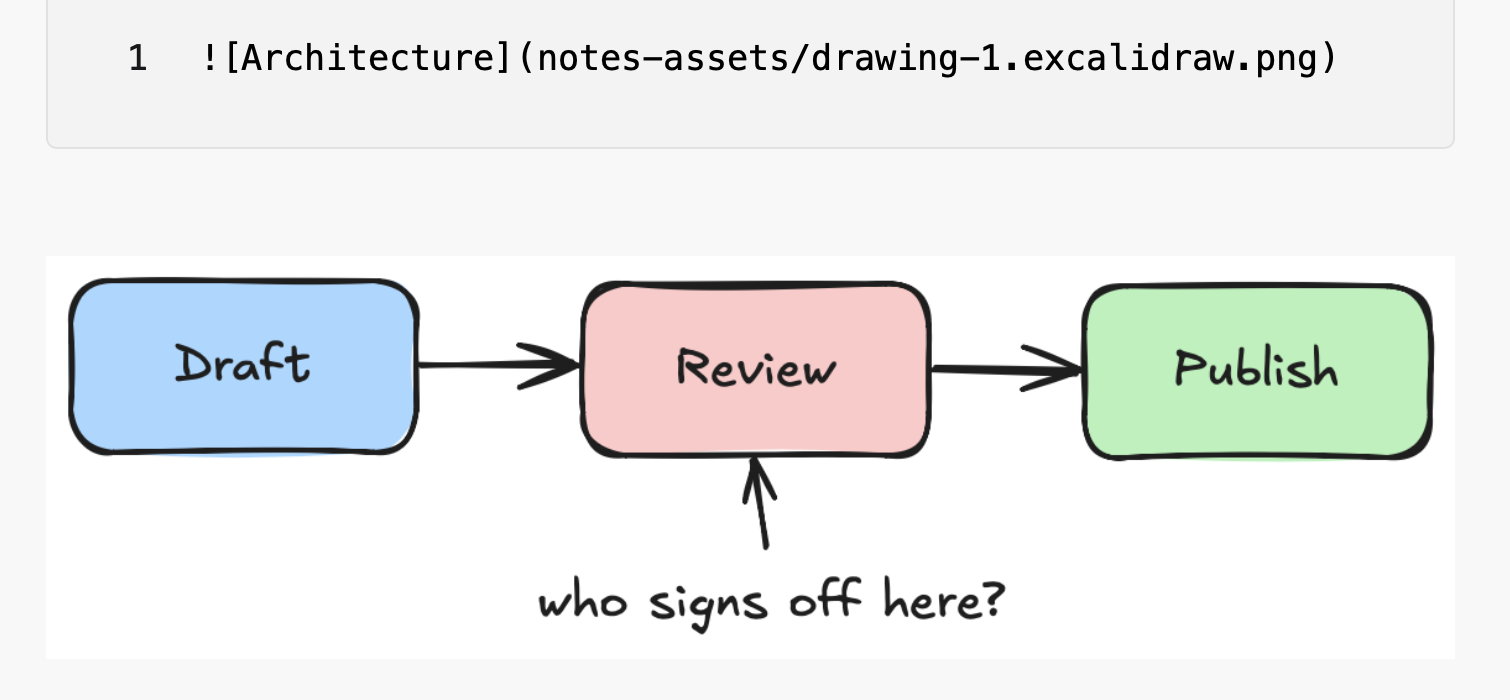
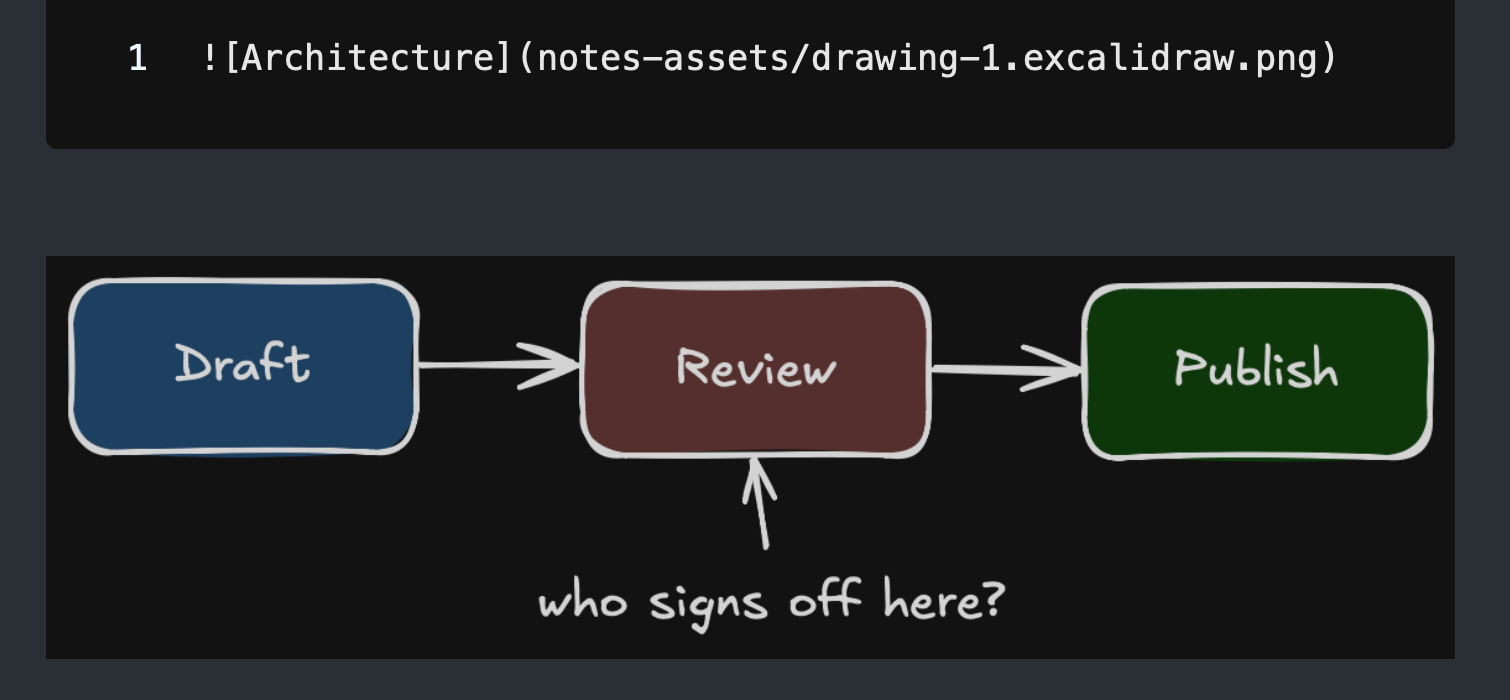
An Excalidraw sketch inside your document. It is a plain PNG beside the document, and the editable strokes are stored inside the same file.

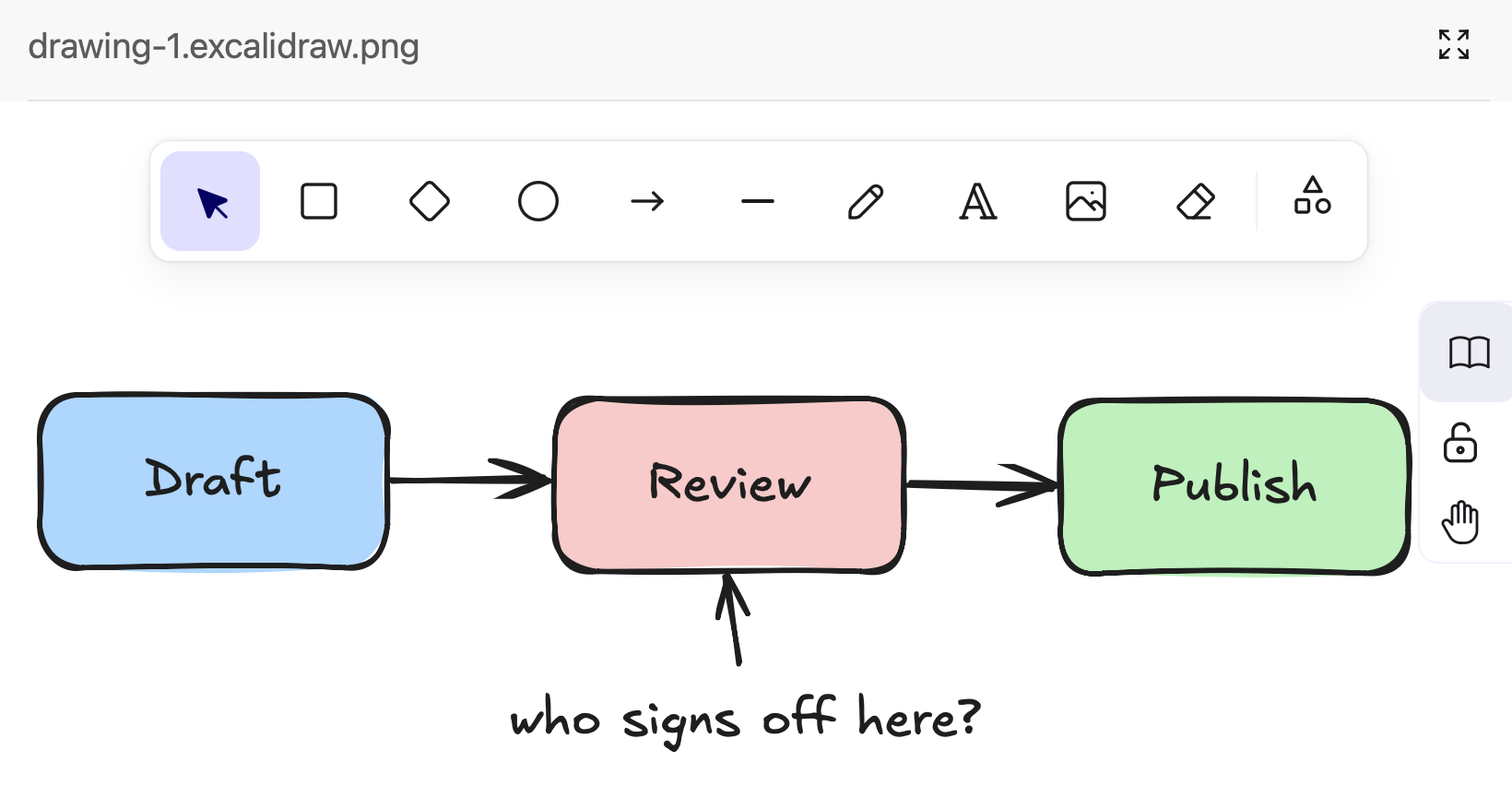
In the editor
Insert > Excalidraw drawing
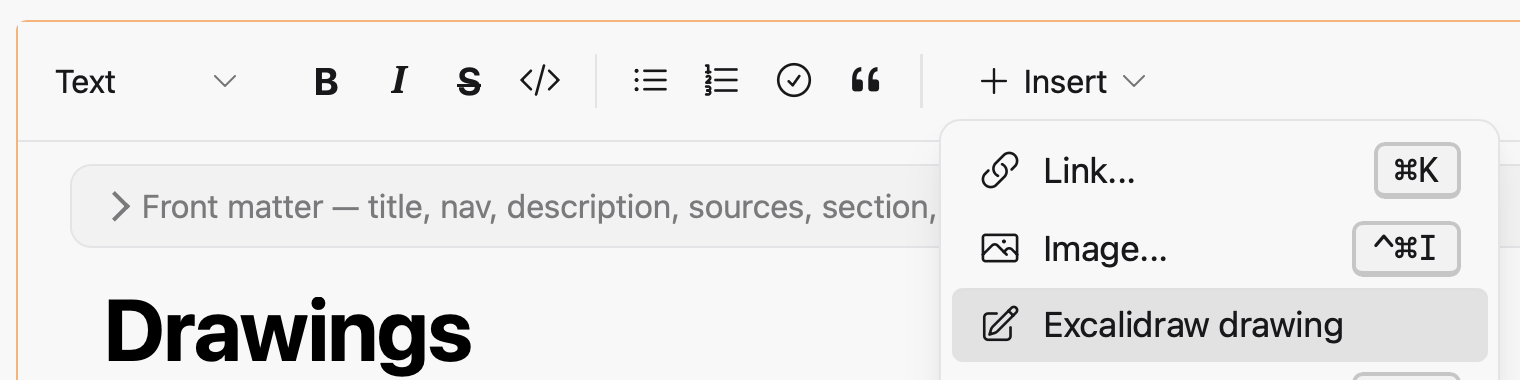
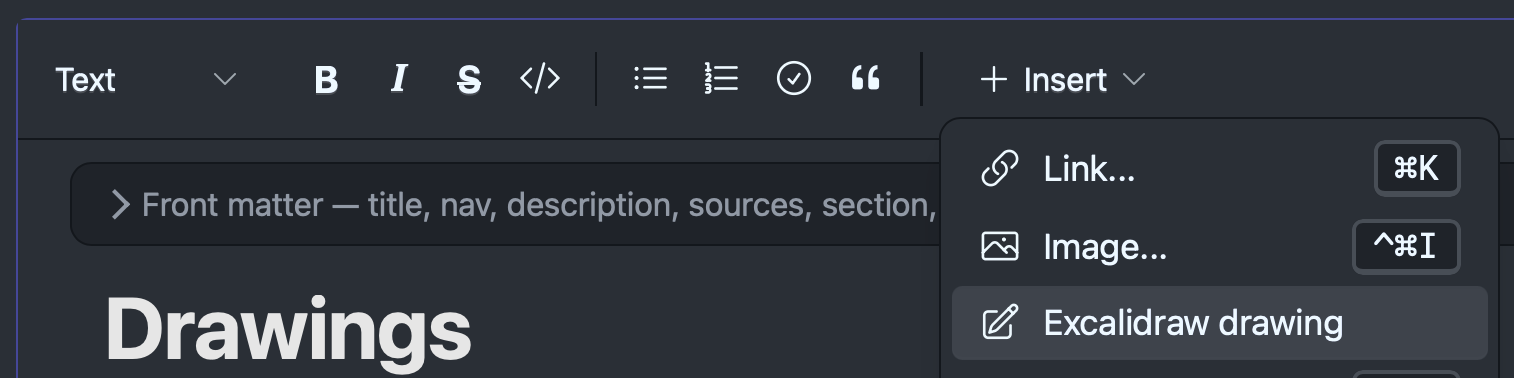
The canvas opens in the other pane.
Double-click a drawing to edit it
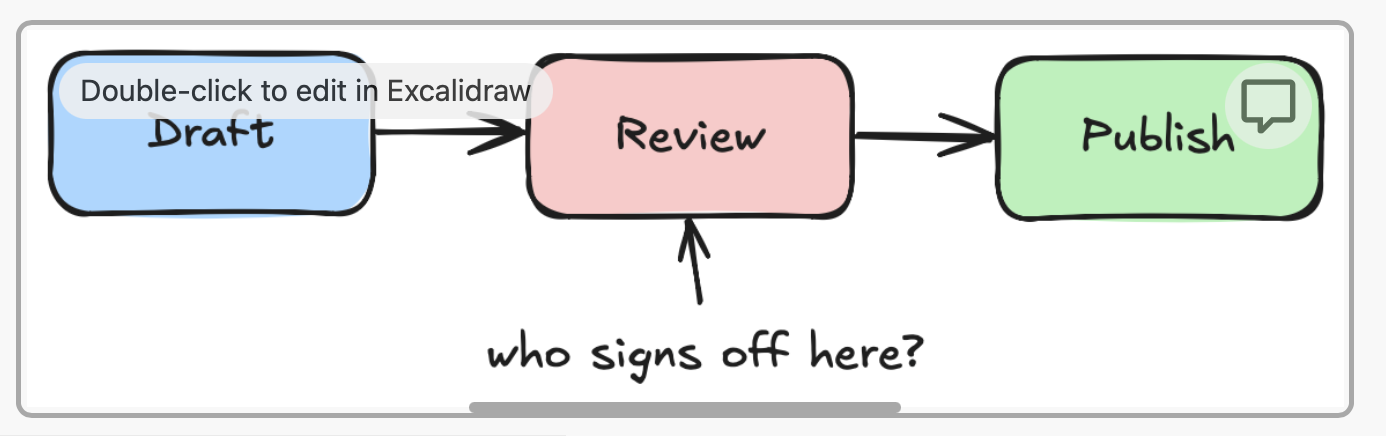
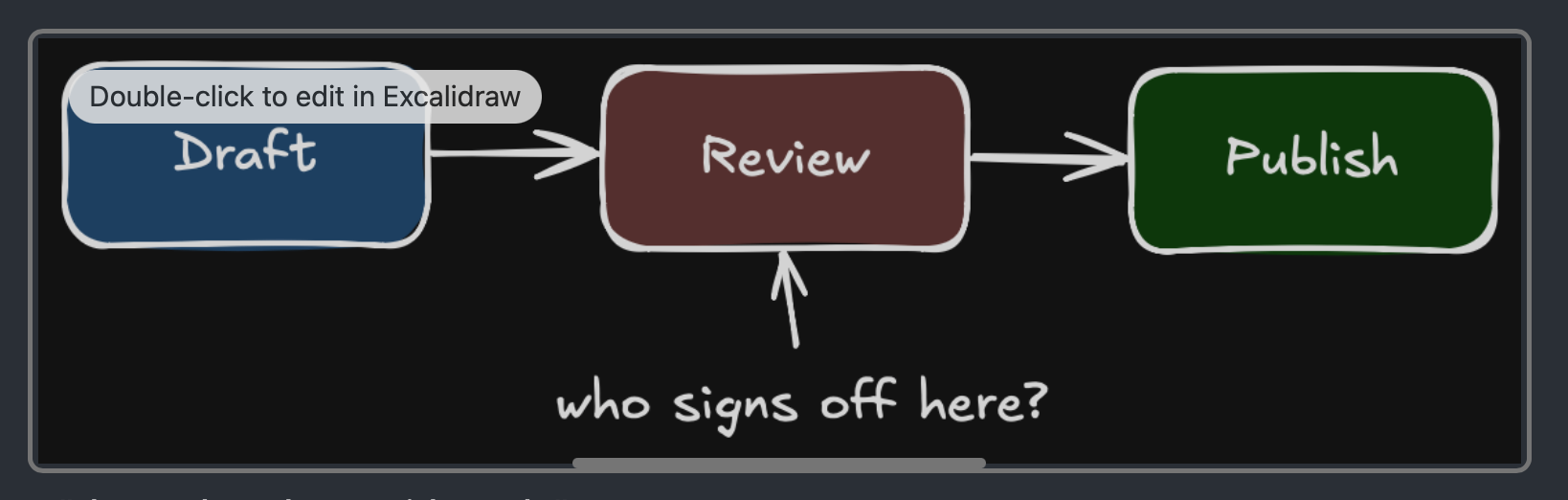
It is saved as you draw. There is no save and no discard.
Drag the handle to resize
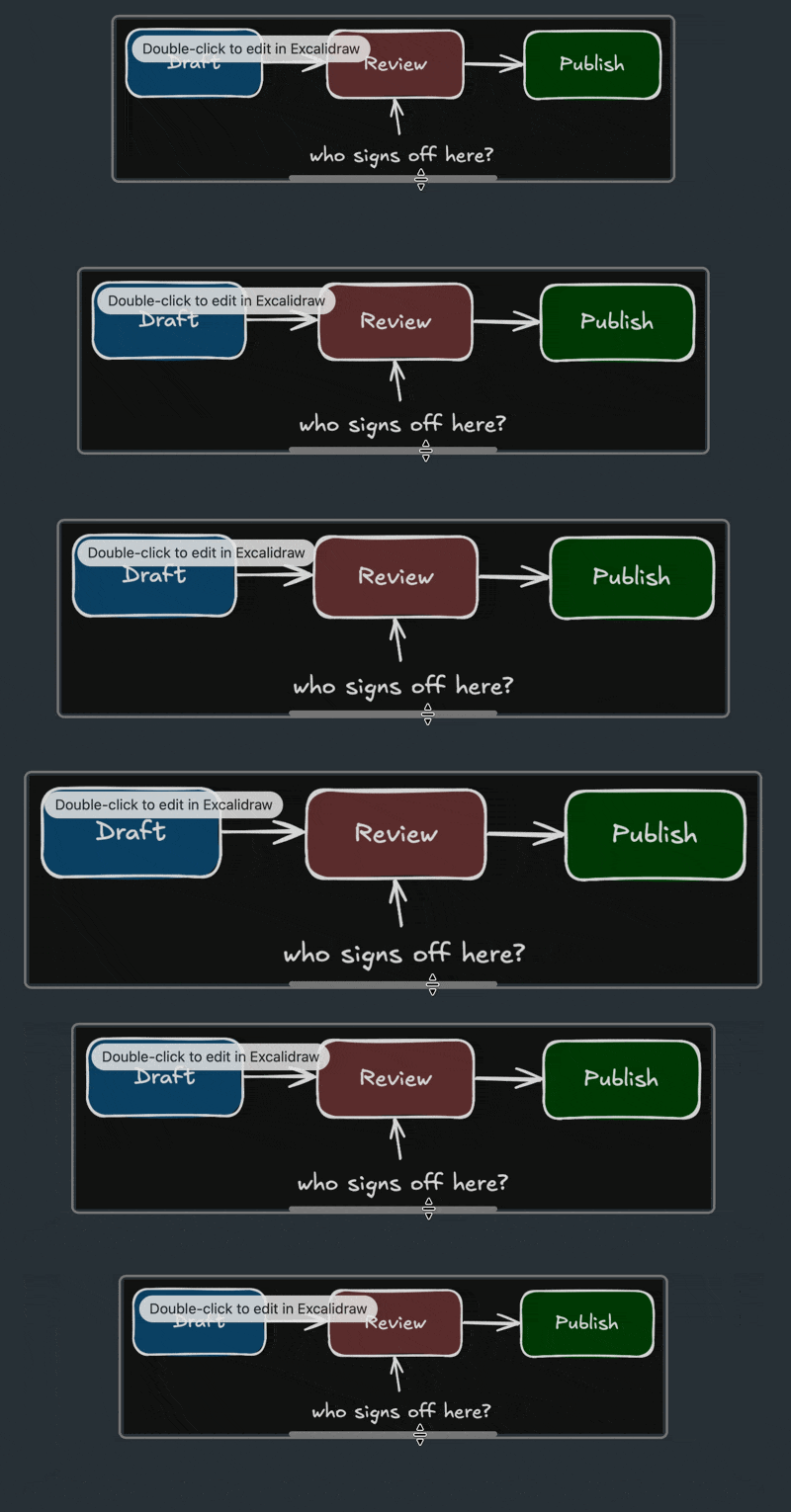
A resized drawing is written as an image tag with its width:
<img src="notes-assets/drawing-1.excalidraw.png" alt="Architecture" width="480">
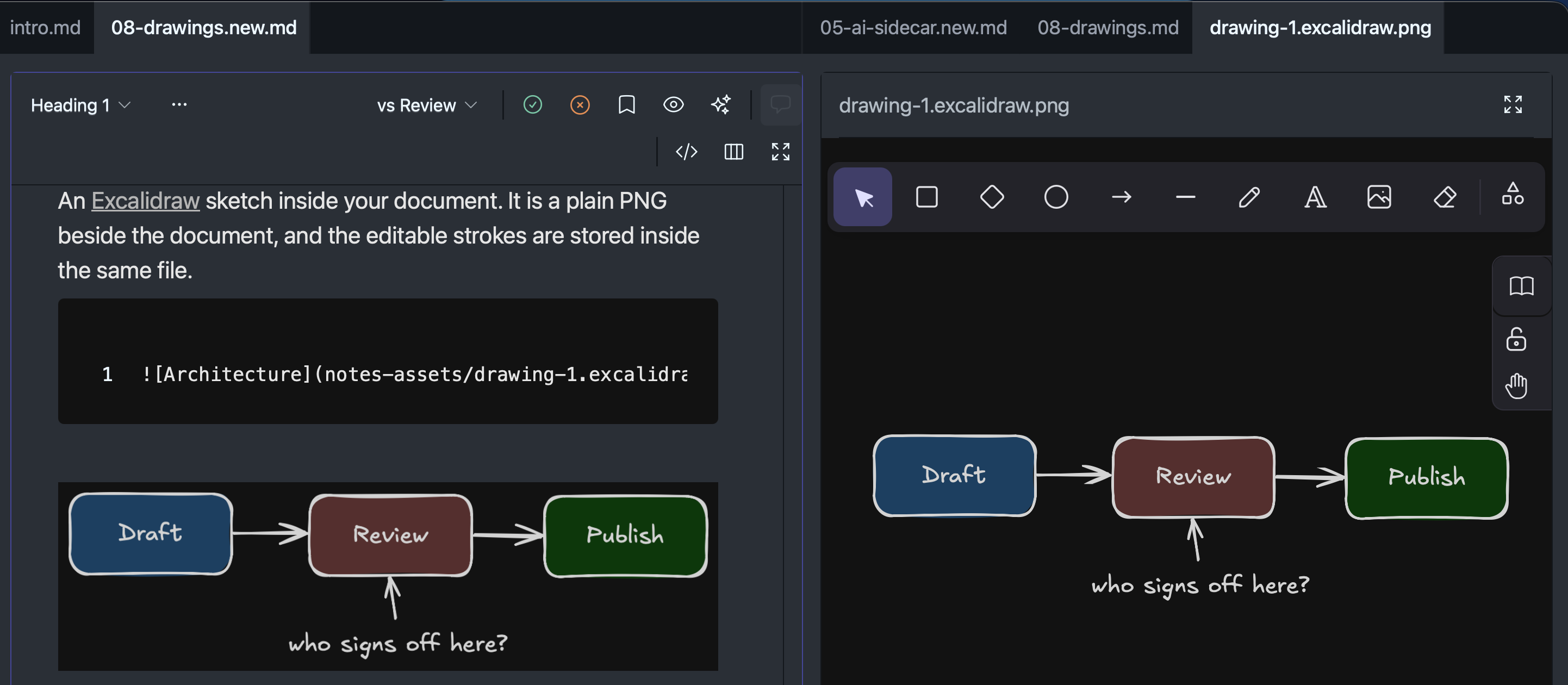
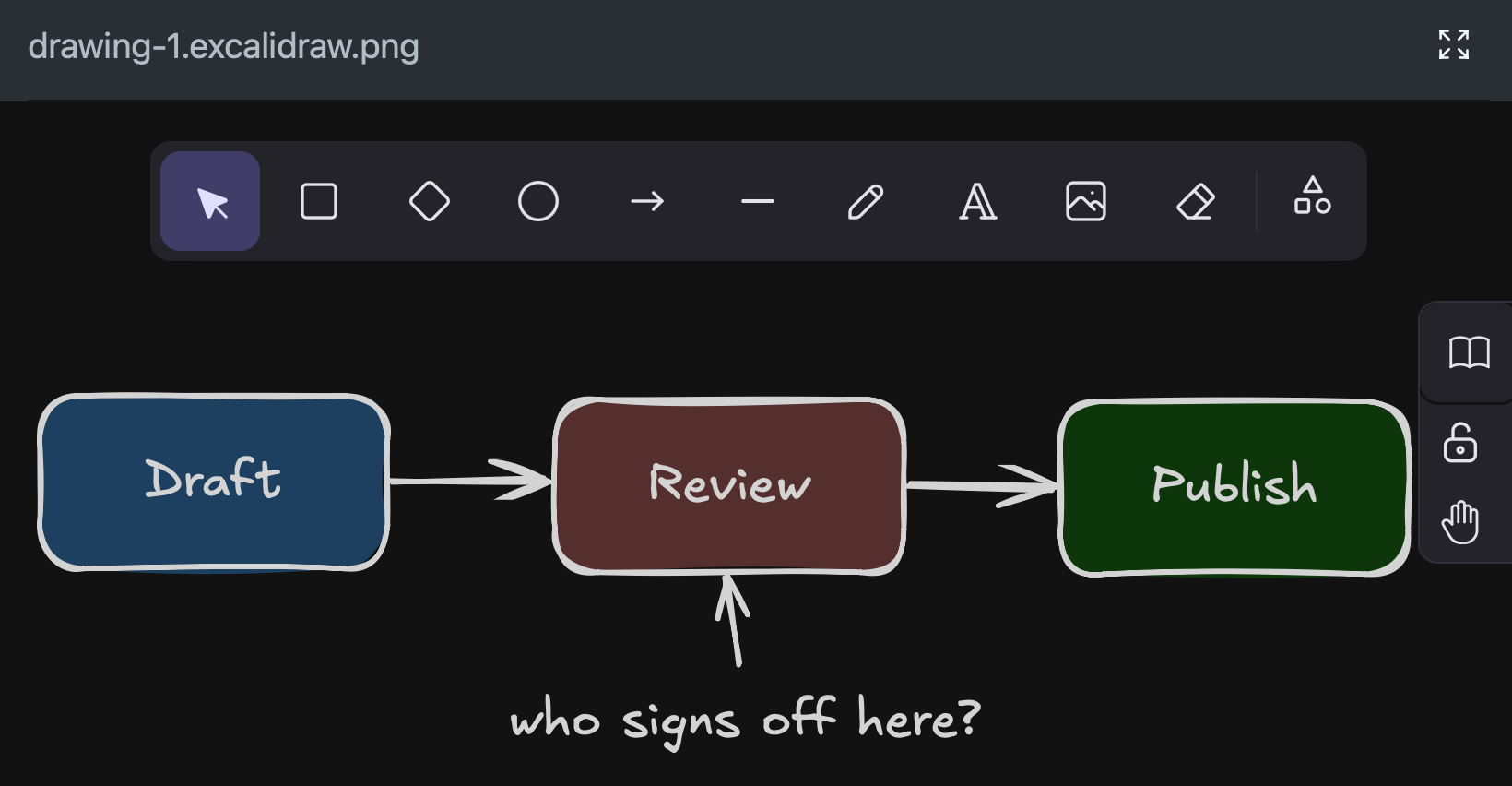
In dark mode a drawing is shown through Excalidraw’s dark filter. The PNG on disk is always light.
Review
Editing a drawing raises no change card. The review follows the markdown, and the markdown does not change when the picture does.
A saved version keeps the drawing as it was. Version history shows it, and Restore brings it back.
Elsewhere
| GitHub and other markdown viewers | A picture, on its light canvas. |
| Word and PDF | Exported as a picture, at the size you gave it. |
| excalidraw.com, the VS Code Excalidraw extension | Opens as editable strokes. Drawings made there open here. |
Move a document and its assets folder together.
A drawing that has lost its strokes is not opened for editing: some tools re-encode a PNG and drop them, and a blank canvas would overwrite the picture.
# Drawings
An [Excalidraw](https://excalidraw.com) sketch inside your document. It is a plain PNG beside the document, and the editable strokes are stored inside the same file.
```markdown

```
<br>
<img src="08-drawings-assets/drawing-1.excalidraw.png" alt="Architecture: three hand-drawn boxes, Draft, Review and Publish, with a note under Review asking who signs off." width="488">
<figure class="docs-shot docs-wide-only">
<img class="docs-shot-light" loading="lazy" src="08-drawings-assets/editor-light.png"
alt="A Wymark window split in two. On the left a document in the formatted view, with the markdown line that links a drawing and the drawing below it: three hand-drawn boxes, Draft, Review and Publish. On the right the same drawing open on an Excalidraw canvas.">
<img class="docs-shot-dark" loading="lazy" src="08-drawings-assets/editor-dark.png"
alt="The same window in dark mode.">
<figcaption>Draw on one side, watch the page on the other.</figcaption>
</figure>
<div class="docs-pair docs-narrow-only">
<figure class="docs-shot">
<img class="docs-shot-light" loading="lazy" src="08-drawings-assets/in-document-light.png"
alt="A document in the formatted view: the markdown line that links the drawing, and below it the drawing itself, three hand-drawn boxes Draft, Review and Publish with a note asking who signs off.">
<img class="docs-shot-dark" loading="lazy" src="08-drawings-assets/in-document-dark.png"
alt="The same in dark mode.">
<figcaption>In the document</figcaption>
</figure>
<figure class="docs-shot">
<img class="docs-shot-light" loading="lazy" src="08-drawings-assets/canvas-light.png"
alt="The same drawing open on the Excalidraw canvas, with the drawing tools above it.">
<img class="docs-shot-dark" loading="lazy" src="08-drawings-assets/canvas-dark.png"
alt="The same canvas in dark mode.">
<figcaption>Open for editing in the other pane</figcaption>
</figure>
</div>
## In the editor
### Insert > Excalidraw drawing
<figure class="docs-shot">
<img class="docs-shot-light" src="08-drawings-assets/insert-menu-light.png" width="760"
alt="The Insert menu open on the formatting toolbar, with Excalidraw drawing highlighted below Link and Image.">
<img class="docs-shot-dark" src="08-drawings-assets/insert-menu-dark.png" width="757"
alt="The same menu in dark mode.">
</figure>
The canvas opens in the other pane.
### Double-click a drawing to edit it
<figure class="docs-shot">
<img class="docs-shot-light" src="08-drawings-assets/hover-light.png" width="693"
alt="A drawing in the document with the pointer over it: a ring around the drawing and the label Double-click to edit in Excalidraw.">
<img class="docs-shot-dark" src="08-drawings-assets/hover-dark.png" width="693"
alt="The same in dark mode.">
</figure>
It is saved as you draw. There is no save and no discard.
### Drag the handle to resize
<figure class="docs-shot">
<img src="08-drawings-assets/resize.gif" width="800"
alt="The handle at the bottom edge of a drawing being dragged, and the drawing growing and shrinking with it.">
</figure>
A resized drawing is written as an image tag with its width:
```markdown
<img src="notes-assets/drawing-1.excalidraw.png" alt="Architecture" width="480">
```
In dark mode a drawing is shown through Excalidraw's dark filter. The PNG on disk is always light.
## Review
<!--wymark: {"author":"John Doe","time":"2026-10-07T21:18:49Z"}@@Is this possible to detect? If so we could show the last snapshotted version compared to the current one?--><!--wymark-reply: {"author":"Claude","time":"2026-10-07T21:37:31Z"}@@Yes. It is the Drawing changed card that was designed and parked in August: compare the picture's hash with the one a saved version recorded, show a card, and open old beside new. What blocked it then was that versions did not keep pictures, and they do now. Feature work, and not started.-->
Editing a drawing raises no change card.<!--wymark-end--> The review follows the markdown, and the markdown does not change when the picture does.
A saved version keeps the drawing as it was. Version history shows it, and Restore brings it back.
## Elsewhere
| | |
| --- | --- |
| **GitHub and other markdown viewers** | A picture, on its light canvas. |
| **Word and PDF** | Exported as a picture, at the size you gave it. |
| **excalidraw.com, the VS Code Excalidraw extension** | Opens as editable strokes. Drawings made there open here. |
Move a document and its assets folder together.
A drawing that has lost its strokes is not opened for editing: some tools re-encode a PNG and drop them, and a blank canvas would overwrite the picture.